Gemini Watermark Remover — Free, Online, 100% Local
Remove the Gemini watermark, logo, and star overlay from your AI images in one drag-and-drop — free, open-source, and processed entirely in your browser. No upload, no sign-up, no quality loss.
Drop images here to remove the watermark
or click to choose files — JPG, PNG, or WebP · one or many
Runs in your browser — no upload · ~1 second per 1MP image · pixel-exact restoration that matches the original.
Reverse alpha blending, not AI inpainting
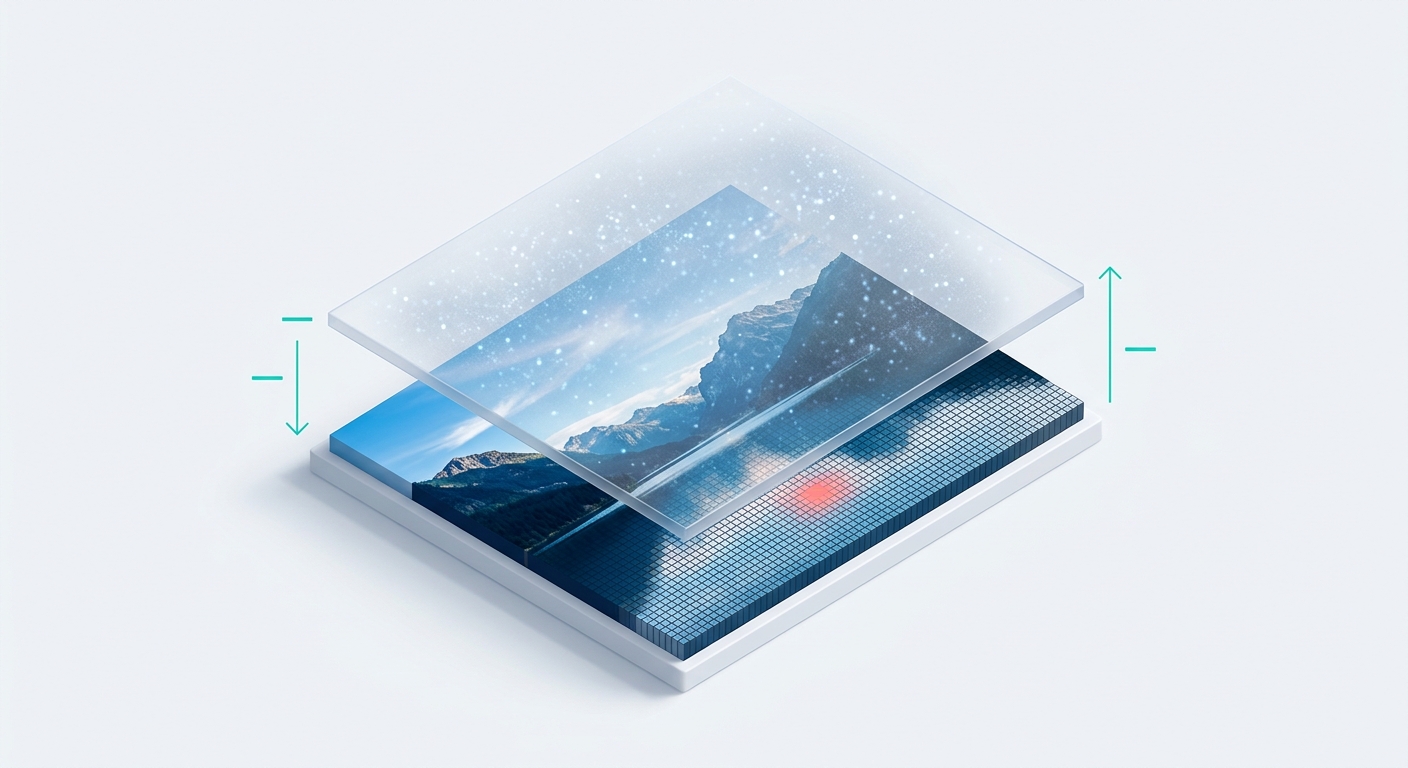
This is a true Gemini watermark remover, not a repaint tool. Gemini stamps its mark by alpha-compositing a semi-transparent logo over your image, so the tool applies the exact inverse formula to reconstruct the original pixels underneath.
Unlike AI-inpainting removers that hallucinate a patch and leave soft, smudged edges, this restores the real pixels with zero loss — keeping your resolution, colors, and detail exactly as Gemini rendered them. It's the same mathematically exact method Allen Kuo open-sourced, ported to pure JavaScript so it runs instantly in the browser.
Remove the Gemini logo, star overlay, and Nano Banana marks
One free Gemini logo remover for every visible mark Google adds. It handles the Gemini logo, the star or sparkle overlay, and supported Nano Banana watermark variants — with layered auto-detection that matches your image dimensions against Gemini's known output sizes, refines the position with a local anchor search, then validates the mark is real before touching a pixel.
That validation step is what stops it from erasing something that only looks like a watermark, so a clean photo stays untouched. Drop the image in and the right removal is chosen for you.

100% browser-local — nothing is ever uploaded
Your images never leave your device. Every step of the Gemini watermark cleanup runs locally in your browser through the Canvas API — there's no upload, no server round-trip, and nothing stored anywhere.
Unlike cloud removers that quietly send your files to a backend, this keeps private product shots, client work, and personal photos entirely on your machine. It's the privacy default a watermark tool should have — and it's why the whole thing works offline once the page has loaded.

Bulk Gemini watermark removal with ZIP export
Clean a whole folder of Gemini images in one pass. Drop multiple files and the tool processes them in your browser, then lets you download each one or grab the entire set as a single ZIP.
It's built for people who generate at volume — a marketer clearing ad variations, a seller cleaning dozens of product mockups — and for even larger jobs the CLI adds an --out-dir flag so you can script the whole thing.

Every format, every resolution — lossless PNG out
A Gemini image watermark remover that never downgrades your file. It accepts JPG, PNG, and WebP input at any Gemini output resolution — the 96×96 mark on larger renders and the 48×48 mark on smaller ones alike — and exports a lossless PNG so the result is bit-for-bit faithful to the reconstruction.
Because it restores pixels rather than repainting them, there's no compression artifact and no re-encoding blur. What you download is your original image, minus the watermark.

Remove Gemini watermarks from video, too
The cleanup isn't limited to stills. A dedicated Gemini video watermark remover page removes the visible mark from Gemini-generated videos right in your browser — same local, no-upload processing — while the CLI and SDK handle larger MP4, WebM, and MOV files.
It's currently in beta and focused on Gemini's own video output, so it's the natural companion to the image tool when your Veo-style clips ship with the same sparkle in the corner.

Who uses the Gemini watermark remover
One free, local tool for everyone who generates with Gemini or Nano Banana.
AI image creators & digital artists
The corner sparkle is the one thing between your Gemini or Nano Banana render and a clean portfolio piece. Reverse alpha blending restores the exact pixels underneath, so gradients and fine detail survive intact — no inpainting smear across your composition.
Social media & content creators
Scroll-stopping visuals shouldn't ship with a watermark in the frame. Clean your Gemini images before Instagram, TikTok, or a thumbnail — in seconds, no sign-up wall, and fast enough to clear a whole batch between posts.
Marketers & designers
Ad creative, mockups, and client decks need to look native, not AI-stamped. Batch-clean a set of Gemini concepts, export them as a ZIP, and drop them straight into the brief — a free, open-source alternative to per-image paid removers.
Developers & automation teams
When removal is a pipeline step, the CLI and SDK turn it into one command or one function call. Wire @pilio/gemini-watermark-remover into CI, batch a directory with --out-dir, or expose it to an AI agent through the packaged Skill.
E-commerce sellers
Product shots and lifestyle mockups convert better without a logo floating over them. Bulk-clean listing images locally so nothing sensitive leaves your machine, then download the set as lossless PNGs ready for your storefront.
Bloggers, writers & educators
Featured images and diagrams read as more polished once the watermark is gone. Drop a Gemini illustration in, get a clean PNG back, and publish — no editing software and no learning curve.
Why choose this Gemini watermark remover
Fast and pixel-exact
Roughly one second per 1MP image, with reverse alpha blending that reconstructs the true original pixels — no repaint, no blur, no resolution downgrade. Precision, not a best-guess patch.
Private by default
100% browser-local. Your images never touch a server; there's no upload and nothing stored. The most private way to remove a Gemini watermark, and it works offline once loaded.
Free, open, no barriers
MIT-licensed and free forever — no sign-up, no usage limits, no watermark on the output, 5,200+ GitHub stars behind it. Inspect the code, fork it, or trust it precisely because it's open.
How to remove a Gemini watermark online
Three steps, a few seconds, entirely in your browser.
Upload your images
Drag in or select your watermarked Gemini images — JPG, PNG, or WebP, one file or many. Nothing uploads; it all stays in your browser.
Auto-remove the watermark
The engine detects the Gemini mark, reverses the alpha overlay, and restores the original pixels — fully local and lossless. No settings to fiddle with.
Download clean images
Grab each cleaned image as a lossless PNG, or export the whole batch as a single ZIP. Done in seconds.
What people are saying
Representative feedback — real, attributed quotes replace these before launch.
“I clean a batch of ~40 Gemini product mockups every week — the ZIP export gets it done in one pass instead of one file at a time, and the edges stay sharp where an inpainting tool used to smudge them.”
“Installed the userscript and now downloads off Gemini just come back clean. I genuinely forget the watermark exists.”
“Dropped @pilio/gemini-watermark-remover into our CI and it removes the mark on every generated asset automatically. Being MIT-licensed and open source is why we could ship it.”
Frequently asked questions
Is this Gemini watermark remover completely free?
Yes — completely free, no usage limits, no sign-up, and no watermark on the output. It's MIT-licensed open source, so there's no paid tier and nothing to unlock.
Are my photos uploaded to a server?
No. All processing happens locally in your browser, so your images never leave your device. There's no upload step and nothing is stored server-side.
How does the watermark removal actually work?
It uses reverse alpha blending rather than AI inpainting. Because Gemini composites its watermark with a known alpha map, the tool applies the inverse formula to rebuild the exact original pixels — no repaint, no blur, no guessing.
Do I need to sign up or install anything?
No. The online tool needs neither. Just drop in your Gemini image and download the result. The Chrome extension, userscript, and CLI are optional add-ons for people who want automation.
Can I bulk remove Gemini watermarks?
Yes. The online tool processes multiple images in parallel and exports them individually or as one ZIP. For very large batches or CI, use the CLI with --out-dir.
Can it remove a Gemini watermark from a video?
Yes. Use the dedicated Gemini video watermark remover page for in-browser video cleanup, or the CLI/SDK for larger MP4, WebM, and MOV files. The homepage tool itself stays focused on images.
Does it work on the Gemini logo, star overlay, and Nano Banana marks?
Yes — the logo, the star/sparkle overlay, and supported Nano Banana variants in Gemini images are all handled. If a variant isn't covered, you can open a GitHub issue.
What image formats and resolutions are supported?
It accepts JPG, PNG, and WebP at any Gemini output resolution and exports a lossless PNG, so the original quality and resolution are preserved.
Can I use the cleaned images commercially?
The software is free under the MIT License, but removing a watermark can carry legal and terms-of-service implications depending on where you are and how you use the image. Use it only on content you own or are allowed to modify.
Can it remove SynthID or watermarks from other tools?
No. It only removes Gemini's visible watermark — not SynthID or invisible marks, and not watermarks from other sources. For those, try a general-purpose remover like the one at pilio.ai.
Is it safe / will it damage my image?
It restores pixels rather than repainting, and it validates that a real Gemini mark is present before removing anything, so a clean image is left untouched. As with any tool that modifies files, keep your original if the image is irreplaceable.
Clean your Gemini images in seconds
Free, open-source, and 100% local. No upload, no sign-up, no quality loss.
Drop an image to start